Getting Started with Teachable Machine: A Beginner-Friendly AI Tool
What is Teachable Machine?
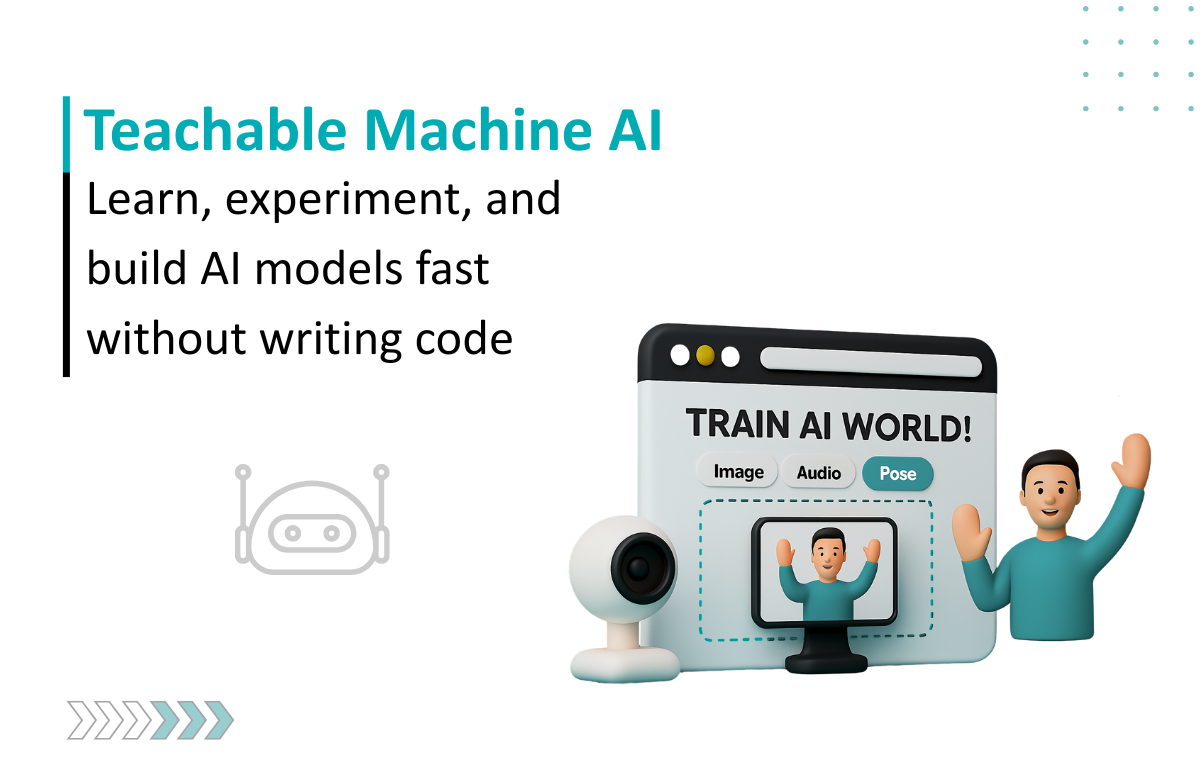
Teachable Machine is an easy-to-use machine learning platform by Google that enables users to train AI models directly in their browser using images, sounds, or body poses as input. Without requiring coding, it empowers beginners to create custom models that can later be exported and used in apps, websites, or other projects.
Key Features
Browser-based AI Training without Coding: Quickly boost your data using an intuitive drag-and-drop training interface.
Train with Multiple Inputs: Easily train a model to learn from images, audio, and poses.
Train in a Very Short Time: Train a model in minutes using the power of transfer learning.
Multiple Outputs: Export your trained models as TensorFlow, TensorFlow.js, or TensorFlow Lite.
Train using any Device: Train a model using your mobile or desktop browser with no required installs.
Open Source: Easily deploy into a creative project, application, or experiment.
Benefits
Available to Everyone - None of these require any coding experience.
Fast Training - It only takes minutes to produce a small AI model.
Open - It works with many of the same data types that you use in daily life.
Educational Use - Great for use in educational spaces, classrooms, or workshop environments.
Production Ready - Models are ready to be used on either the web or IoT.
Practical Use Cases
Education: In schools, instructing students on AI concepts without barriers to technical knowledge.
Accessibility: Development of gesture- or voice-based assistive tools.
Creative Arts: Creating interactive installations for music, dance, or art using AI.
Rapid Prototyping: Rapidly acquiring user feedback on product concepts powered by AI is a useful way of testing AI product ideas quickly.
Personal Projects: Simply for fun, play to test ideas, like recognizing various hand gestures or recognizing animal sounds
Comparison with Other Similar Tools
Feature/Aspect
Teachable Machine
TensorFlow
Lobe.ai
Runway ML
Ease of Use
Beginner-friendly, no coding
Requires coding, steeper learning curve
No-code, beginner-friendly
Beginner to advanced (UI-based)
Platform
Runs directly in the browser
Requires local setup or cloud
Requires installation
Requires installation
Focus / Strength
Quick, simple model training
Powerful, flexible, professional ML
Easy ML model building
Advanced creative AI projects
Best For
Learning ML basics, simple experiments
Professional ML development
No-code ML for small projects
Creative AI applications
Limitations & Considerations
Limited Complexity: Not suitable for large-scale or highly complex models.
Data Quality Dependent: Model accuracy depends heavily on the training dataset.
Browser Limitations: Runs in-browser, which may limit performance for bigger datasets.
Not for Production AI: Best suited for learning, prototyping, or small projects, not enterprise-scale AI.
Demo
You can try out Teachable Machine directly here: Teachable Machine Demo
How to Access or Activate the Tool
Go to Teachable Machine.
Choose the type of project (Image, Audio, Pose).
Upload training data or record live samples.
Train the model directly in your browser.
Export and deploy to your desired platform.
Basic Tutorial or First Project Idea
First Project Idea: Hand Gesture Recognition
Create a new “Image Project” in Teachable Machine.
Train Class 1 with images of your hand in a “thumbs up” gesture.
Train Class 2 with images of your hand in a “peace sign” gesture.
Train Class 3 with a “no hand” background.
Export your model and use it in a simple web project to recognize gestures via your webcam.
Smart AI & Software Solutions for Modern Businesses
As a custom software development company, we at Seaflux build scalable digital products that solve real business challenges. Our expertise spans custom AI solutions that automate tasks and improve decision-making, and chatbot development that enhances user engagement across platforms.
Looking for something more specific? We also provide custom chatbot solutions tailored to your business needs. As a trusted AI solutions provider, we deliver innovation from idea to implementation
Schedule a meeting with us to explore how we can bring your vision to life.