Qodo AI for Developers: End-to-End Code Quality Automation
What is Qodo AI?
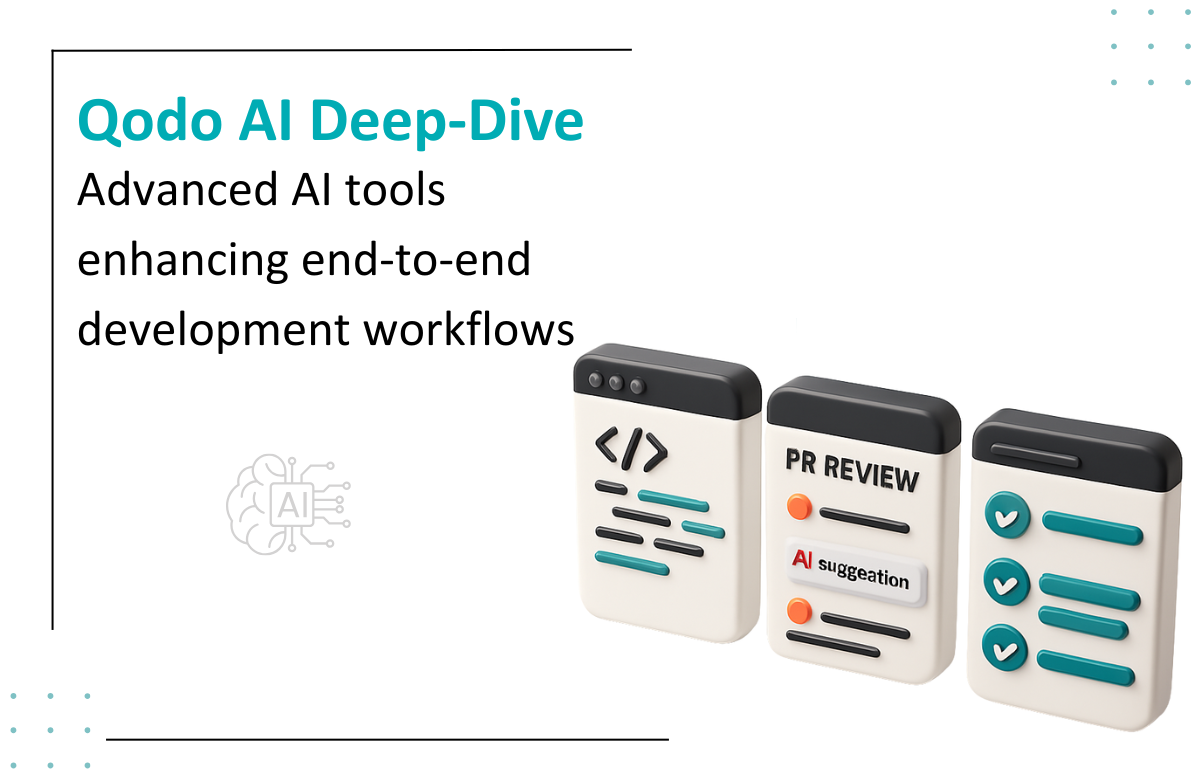
Qodo AI is an agentic, quality-driven development platform that embeds multiple AI agents across the software development lifecycle. It helps developers generate cleaner code, create smarter tests, and review pull requests more efficiently directly within their IDEs and Git workflows.
Its goal is simple: bring AI-powered quality, speed, and consistency into every step of software development.
Key Features
Qodo Gen - A powerful AI agent that:
Generates new code and functions
Creates unit and integration tests
Fixes errors with context-aware suggestions
Enhances existing logic
Improves documentation
Where it works: Directly inside your IDE
Qodo Merge - An AI agent focused entirely on Pull Request Intelligence:
Analyzes PRs for potential issues
Points out bugs, inconsistencies, and missing test cases
Generates PR summaries and structured descriptions
Validates ticket/requirement compliance
Reduces reviewer effort by pre-highlighting risky changes
Qodo Cover - A test-coverage-oriented AI agent that:
Automatically generates missing tests
Expands coverage to align with industry best practices
Ensures greater reliability before deployment
Helps maintain consistency in large teams
Qodo MCP Integration - Supports MCP (Model Context Protocol), enabling seamless communication between AI agents, tools, and development environments. MCP support allows Qodo to integrate deeply with custom workflows, automate complex tasks, and extend its capabilities across multiple platforms.
Benefits
Accelerated Development: Qodo automates repetitive tasks like code generation, test creation, and documentation updates so teams can focus on solving real engineering problems.
Faster Code Reviews: AI-powered PR analysis reduces review time, flags potential issues early, and speeds up merge cycles, ideal for fast-moving teams.
Real-Time IDE Assistance: Developers get instant suggestions, error detection, optimization tips, and test recommendations while coding without switching screens or tools.
Practical Use Cases
Speeding Up PR Review Workflows: Ideal for large teams managing hundreds of PRs weekly.
Assisting Junior Developers: Qodo Gen helps beginners write better code and tests effortlessly.
Refactoring & Modernizing Old Code: AI agents provide suggestions to optimize outdated logic.
CI/CD Quality Gates: Qodo Merge highlights issues before merge, reducing production bugs.
Smart AI & Software Solutions for Modern Businesses
As a custom software development company, we at Seaflux build scalable digital products that solve real business challenges. Our expertise spans custom AI solutions that automate tasks and improve decision-making, and chatbot development that enhances user engagement across platforms.
Looking for something more specific? We also provide custom chatbot solutions tailored to your business needs. As a trusted AI solutions provider, we deliver innovation from idea to implementation
Schedule a meeting with us to explore how we can bring your vision to life.