MongoDB MCP Server: A Complete Guide for AI-Driven Database Interaction
What is the MongoDB MCP Server?
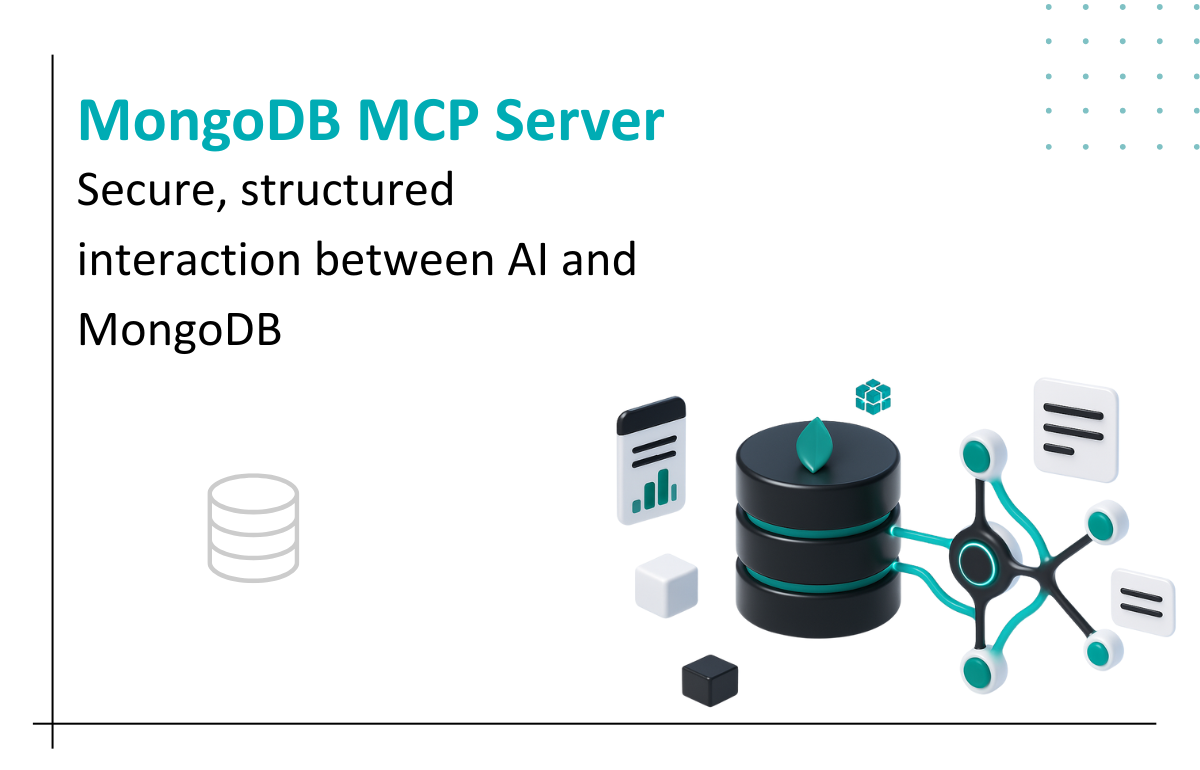
The MongoDB MCP Server is an MCP (Model Context Protocol) extension that allows AI agents and developer tools to interact directly with MongoDB databases. It enables seamless querying, data retrieval, schema exploration, and other database operations through a secure and structured interface.
Key Features
Direct Database Access: Run queries and fetch documents directly from MongoDB.
Schema Inspection: Quickly explore collections, indexes, and document structures.
Connection Management: Connect using MongoDB URI, environment variables, or auth configurations.
Tool Actions: Interact with MongoDB through supported MCP actions like listCollections, findDocuments, and more.
Security Controls: Restricted endpoints and permission-based access.
Benefits
Boost Developer Productivity: Query or inspect data without manually connecting through Compass or CLI.
AI-Assisted Data Management: Useful for AI workflows where context-aware tools need direct DB access.
Faster Debugging: Instantly fetch documents to identify issues in API responses or backend logic.
Easy Integration: Works with MCP-compatible AI assistants like Cursor, ChatGPT, etc.
Practical Use Cases
Inspecting production or staging database collections during debugging.
Generating backend schemas or models based on real MongoDB collections.
Running safe read operations to gather insights for analytics.
Automating development tasks like generating seed data or testing queries.
Comparison with Other Similar Tools
Feature
MongoDB MCP Server
Redis MCP Server
PostgreSQL MCP Server
Query Language
MongoDB Query API
Redis Commands
SQL
Best Use Case
Document-based data
Cache/Queue access
Relational data
Schema
Dynamic
Key-value
Structured
Common Operations
find, aggregate
get/set
select, join
Limitations & Considerations
Write access may be restricted depending on the server configuration.
Requires a valid connection URI with proper permissions.
Performance is dependent on database size and network latency.
Security constraints must be configured carefully to avoid exposing sensitive data.
Smart AI & Software Solutions for Modern Businesses
As a custom software development company, we at Seaflux build scalable digital products that solve real business challenges. Our expertise spans custom AI solutions that automate tasks and improve decision-making, and chatbot development that enhances user engagement across platforms.
Looking for something more specific? We also provide custom chatbot solutions tailored to your business needs. As a trusted AI solutions provider, we deliver innovation from idea to implementation
Schedule a meeting with us to explore how we can bring your vision to life.